01 / PREPARE
LIBRARY HEALTHA CLEANER LIBRARY.
A CLEARER HEAD.
Find duplicates, fill missing details and reconnect missing tracks. Get your collection ready before the gig.
THE DJ WORKSPACE, RECONNECTED.
From the first track to the last transition.
Prepare, build, create and perform with AXIOM.
Built for DJs. Made for your Mac.
LESS FRICTION. MORE MUSIC.
Your preparation and your creativity belong together. Move from a cleaner library to a set that sounds like you.
01 / PREPARE
LIBRARY HEALTHFind duplicates, fill missing details and reconnect missing tracks. Get your collection ready before the gig.
02 / BUILD
MAGIC SETShape your journey around the tracks you love. Map out the energy, explore transitions and make the final call.
03 / CREATE
STUDIO DAWMake your own edits and build mixtapes in the integrated DAW. Bring your ideas into the same workspace as your sets.
Meet the white DAW04 / PERFORM
LIVE ASSISTANTSee next-track ideas while you play. Stay connected to your library and keep your attention on the room.
THE FIFTH WORKFLOW / PASTE A PLAYLIST
Start with a list of songs. Find what’s already in your collection, see what’s missing, and bring the playlist into your preparation.
YOUR CREATIVE SPACE / STUDIO DAW
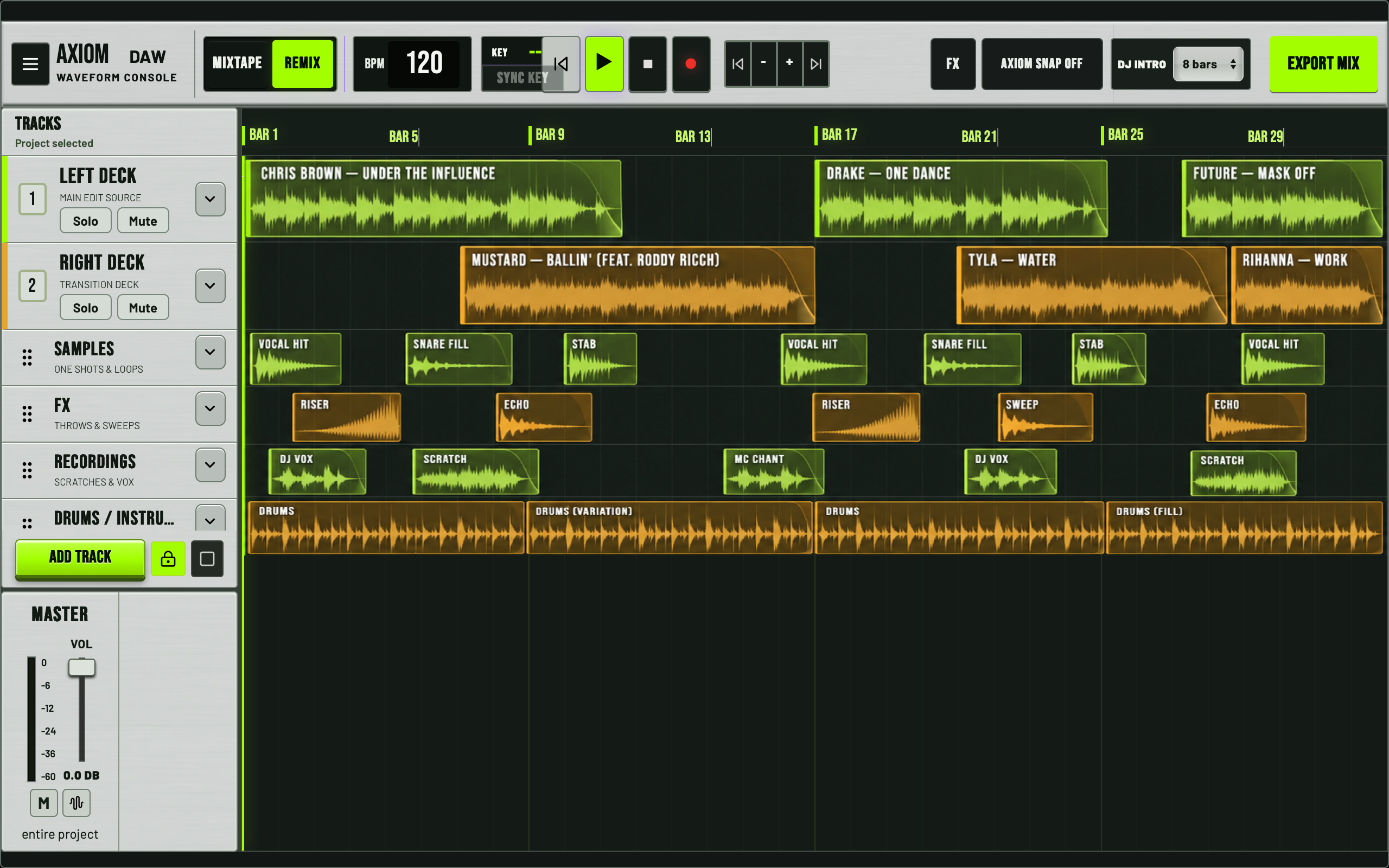
A brighter control surface. A focused timeline. The updated white DAW puts your creative work in view.
Illustrative demo arrangement · Click to enlarge.
Arrange tracks on the timeline and shape a mixtape from your own collection. See the flow while you create.
CREATE YOUR EDITS
Your tracks. Your arrangement. Your sound.
The built-in DAW gives you the tools to create edits that fit your style. Cut, arrange and export tracks designed for your sets — all in AXIOM PRO.
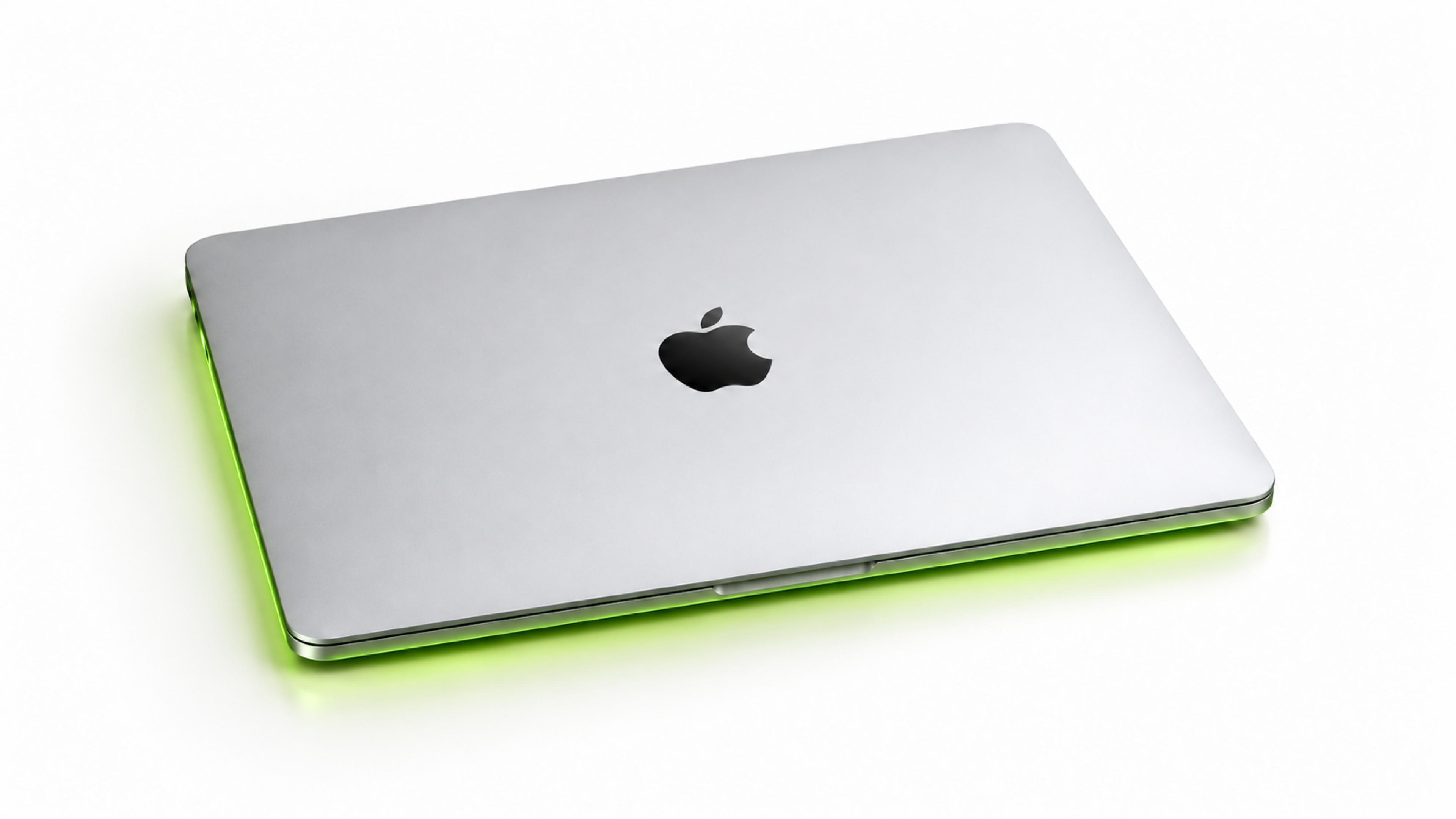
AXIOM PRO requires a Mac with an Apple Silicon chip.
Intel-based Macs are not supported.
Check Apple menu > About This Mac to confirm your Mac has an Apple Silicon chip.
Prepare. Build. Create. Perform. All in AXIOM PRO.